.jpg)
.jpg)
.jpg)

Garena: Your All-in-One Gaming Hub
Overview
Garena is a free desktop application designed for gaming enthusiasts seeking quick access to a wide selection of PC and mobile games. The software serves as a centralized platform where users can browse, download, and play various titles directly from their Windows or Mac devices. Its primary purpose is to streamline the gaming experience by consolidating multiple game options into a single, user-friendly interface. This makes it especially beneficial for casual and dedicated gamers who enjoy switching between different genres and platforms.
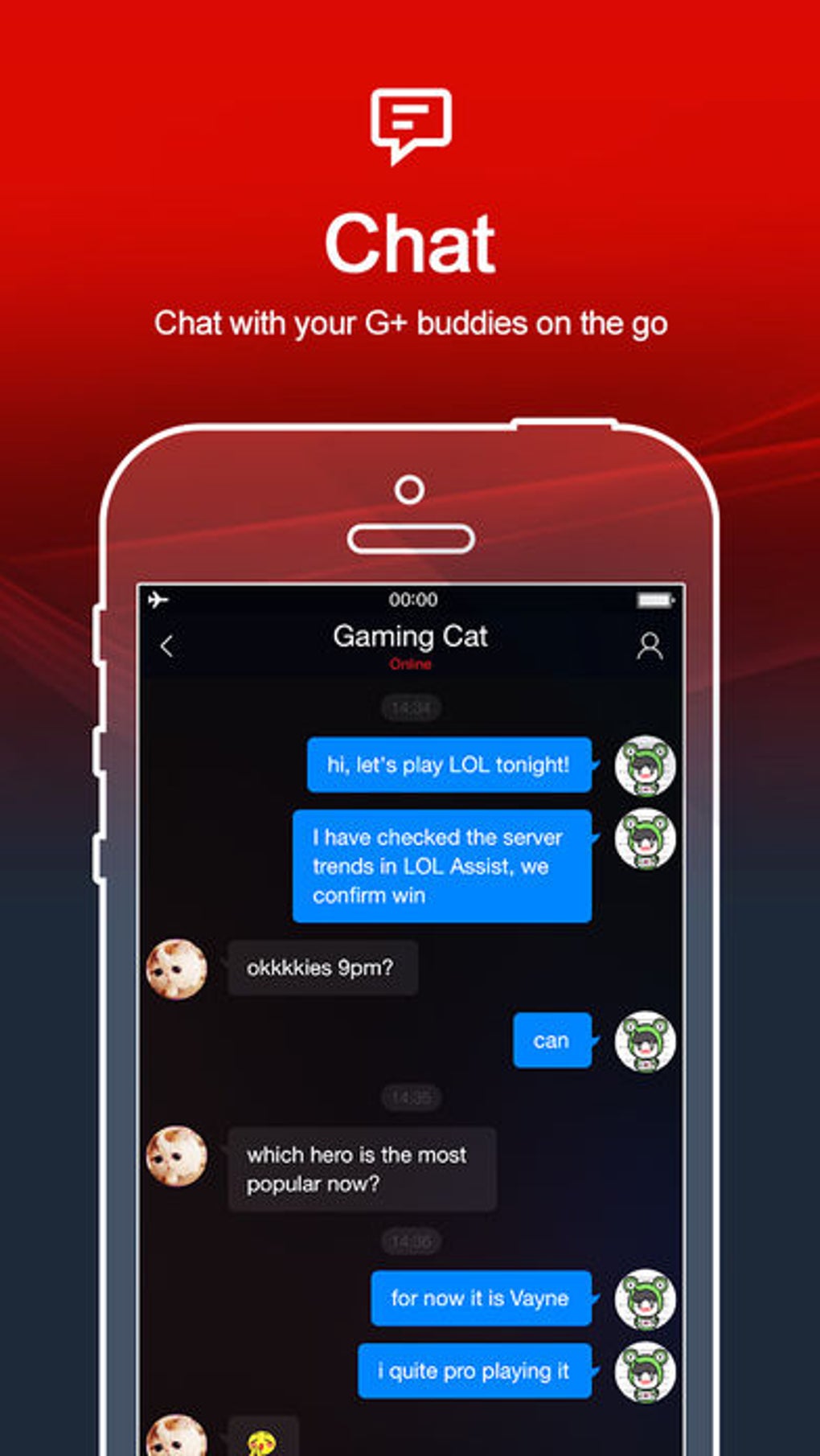
The app supports social interaction, allowing users to connect with friends and other players while gaming. Features such as in-app chat and community engagement help foster a sense of connection among users, enhancing the overall enjoyment of multiplayer experiences. Special rewards, bonuses, and promotional offers are also integrated into certain games, encouraging continued participation and replayability.
While the application itself is free to download and use, it's important to note that not all games available through Garena are free to play. Some titles may require additional purchases or in-app transactions to unlock full functionality. This aspect may affect user satisfaction for those expecting entirely free access to all content. The developer did not provide additional details about the platform's background or target audience beyond its gaming focus.
Key Features & Capabilities
- Centralized Game Library – Users can explore and download a diverse range of PC and mobile games without leaving the application, reducing the need to visit multiple websites or app stores.
- Multiplatform Access – Garena supports both Windows and Mac operating systems, enabling cross-device compatibility for users who switch between platforms.
- Real-Time Chat Integration – The app includes built-in messaging features that allow players to communicate with friends and teammates during gameplay.
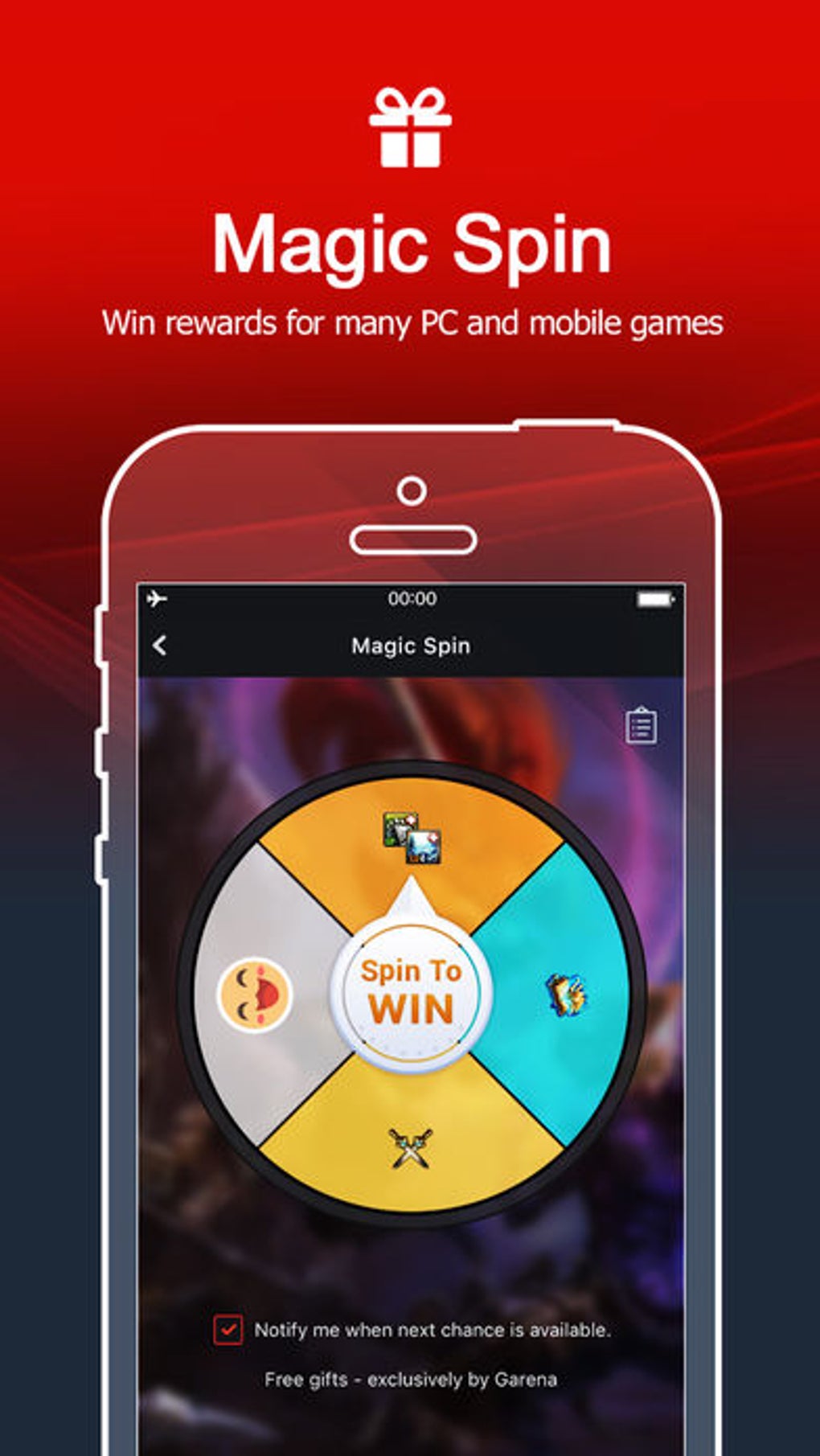
- Reward System – Special in-game prizes, bonuses, and promotional incentives are offered for participating in specific games or completing challenges.
- Easy Installation – With a compact installation size of 150 MB, the software can be quickly set up on most modern systems.
These features collectively aim to simplify the gaming workflow, making it easier for users to discover new games, stay connected with others, and stay engaged through incentive-driven content. For example, a user might download a popular mobile game via Garena, invite a friend through the chat function, and earn a bonus reward after completing a shared mission. This seamless integration enhances both convenience and social interaction.
User Interface, Workflow & Performance
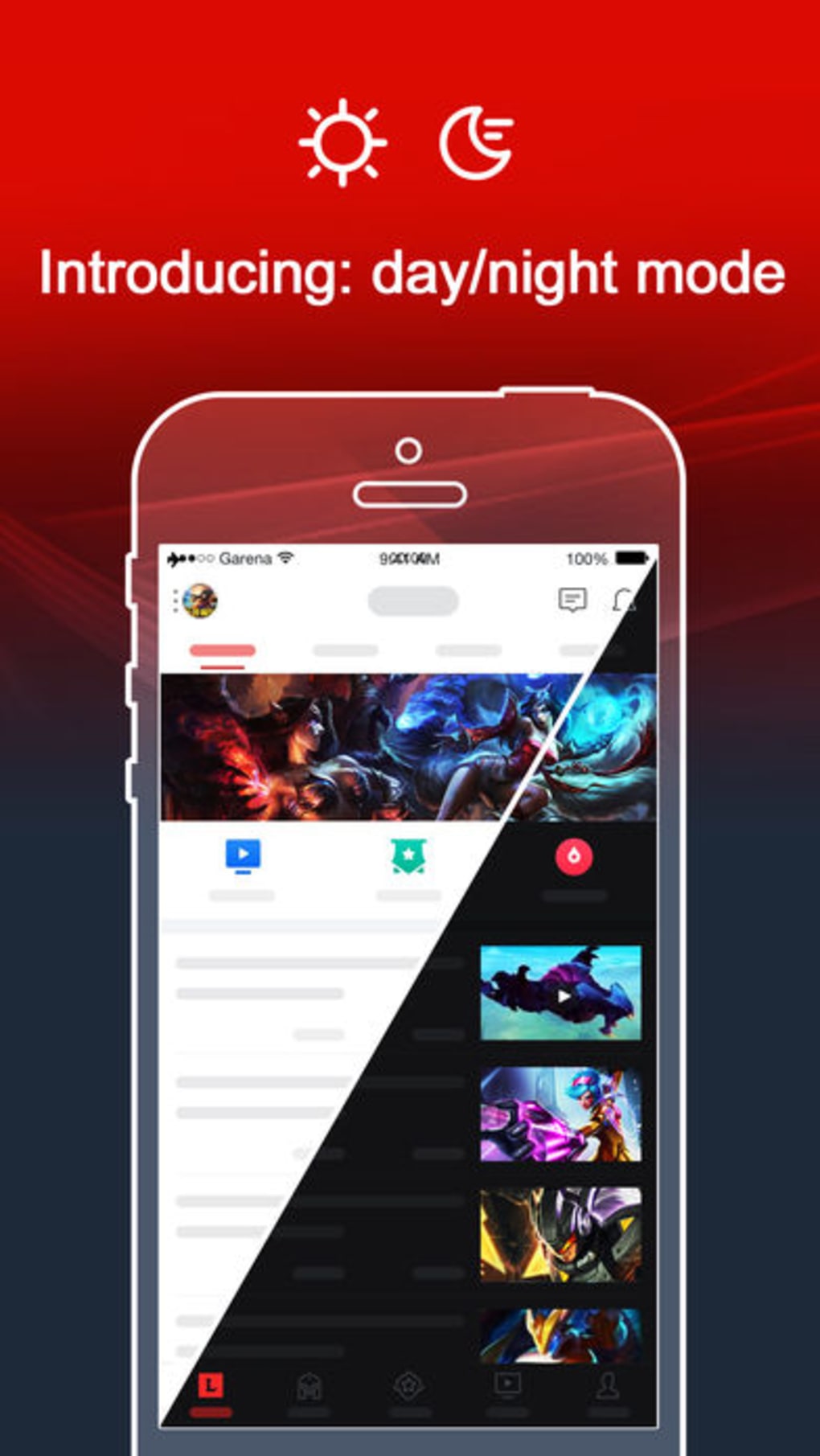
The user interface of Garena is designed with simplicity and accessibility in mind, featuring a clean layout that organizes games into categories and highlights trending or recommended titles. Navigation is intuitive, allowing users to browse through genres, search for specific games, and initiate downloads with minimal clicks.
Workflow efficiency is enhanced by the app’s ability to manage multiple game installations from one dashboard, reducing clutter and streamlining updates. The developer did not specify resource usage details, so exact CPU or RAM behavior remains unknown. However, based on general software behavior patterns, the application appears to operate smoothly on systems meeting basic desktop requirements.
Stability during extended use has not been publicly documented, and performance observations are based on general software behavior patterns. Users may experience varying load times depending on internet speed and game complexity. No known crashes or bugs were reported in the provided information.
Compatibility & System Requirements
Garena is compatible with both Windows and Mac operating systems, supporting the latest versions of each platform. The software has a file size of 150 MB, which suggests a lightweight installation that does not place significant strain on storage space.
Exact system requirements were not listed. The developer did not specify minimum CPU, RAM, or graphics card specifications. Users should ensure their system meets general desktop standards for running modern applications. Compatibility information was partially provided, leaving some aspects of hardware readiness unclear.
Pros and Cons
Pros
- Free to download and use with no upfront cost
- Access to a wide variety of PC and mobile games in one place
- Integrated chat and social features for multiplayer interaction
- Compact installation size of 150 MB
- Incentive-driven rewards to boost user engagement
Cons
- Not all games within the platform are free to play
- Limited information on system requirements and performance
- No official details on developer background or support channels
- Some games may require in-app purchases to unlock full features
- Compatibility with older OS versions is not confirmed
FAQ Section
Is Garena available for both Windows and Mac?
Yes, Garena is compatible with both Windows and Mac operating systems.
Is the software free to download and use?
Yes, Garena is free to download and use. However, some games within the platform may require payment or in-app purchases to access full features.
Can I play mobile games on my desktop using Garena?
Yes, the app allows users to download and play mobile games directly on their Windows or Mac devices.
Does Garena require an internet connection?
Yes, an active internet connection is required to download games, access online features, and participate in multiplayer sessions.
How often does Garena receive updates?
The update frequency was not specified. Users should check the app’s built-in update system for the latest version.
Final Thoughts + CTA
Garena presents itself as a convenient, all-in-one solution for gamers looking to explore a broad selection of PC and mobile titles from a single desktop application. Its free access, compact size, and social features make it appealing to casual and enthusiastic players alike. While the presence of paid games within the ecosystem may be a drawback for some, the overall value remains strong due to the breadth of content and engagement opportunities.
For users who enjoy discovering new games, connecting with friends, and earning rewards, Garena offers a compelling experience. It is particularly well-suited for those who value convenience and variety in their gaming routine. The lack of detailed system requirements and developer information limits transparency, but the core functionality is clear and functional.
Download Garena now and unlock endless gaming possibilities on your PC.







